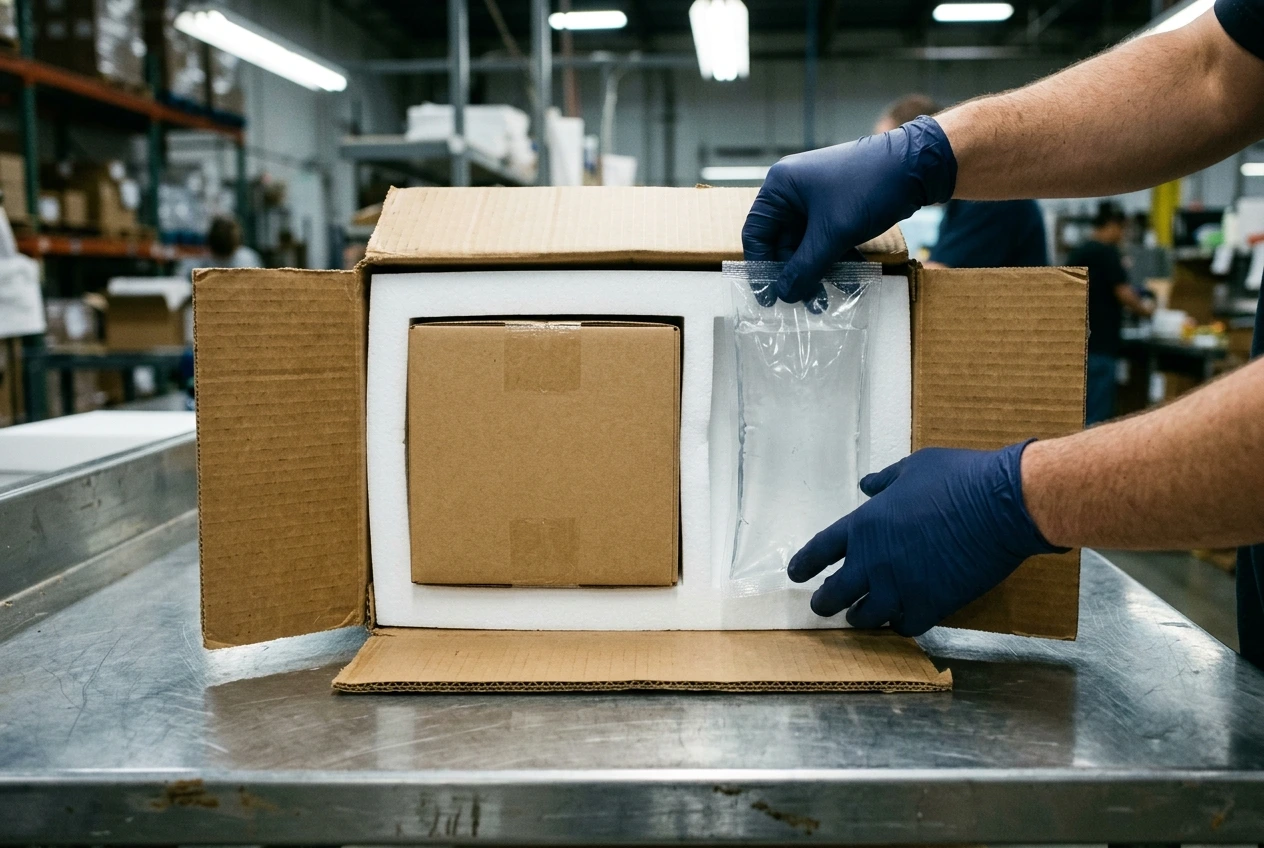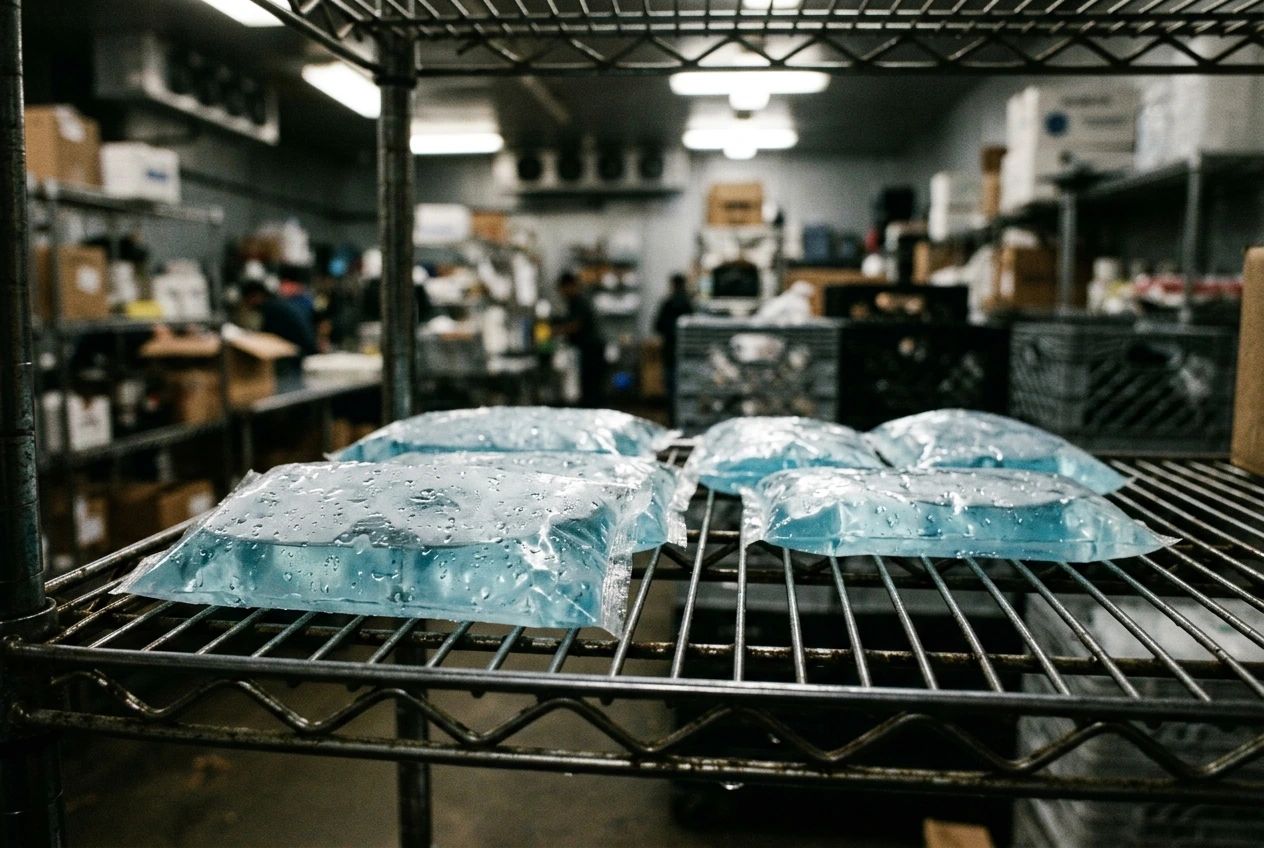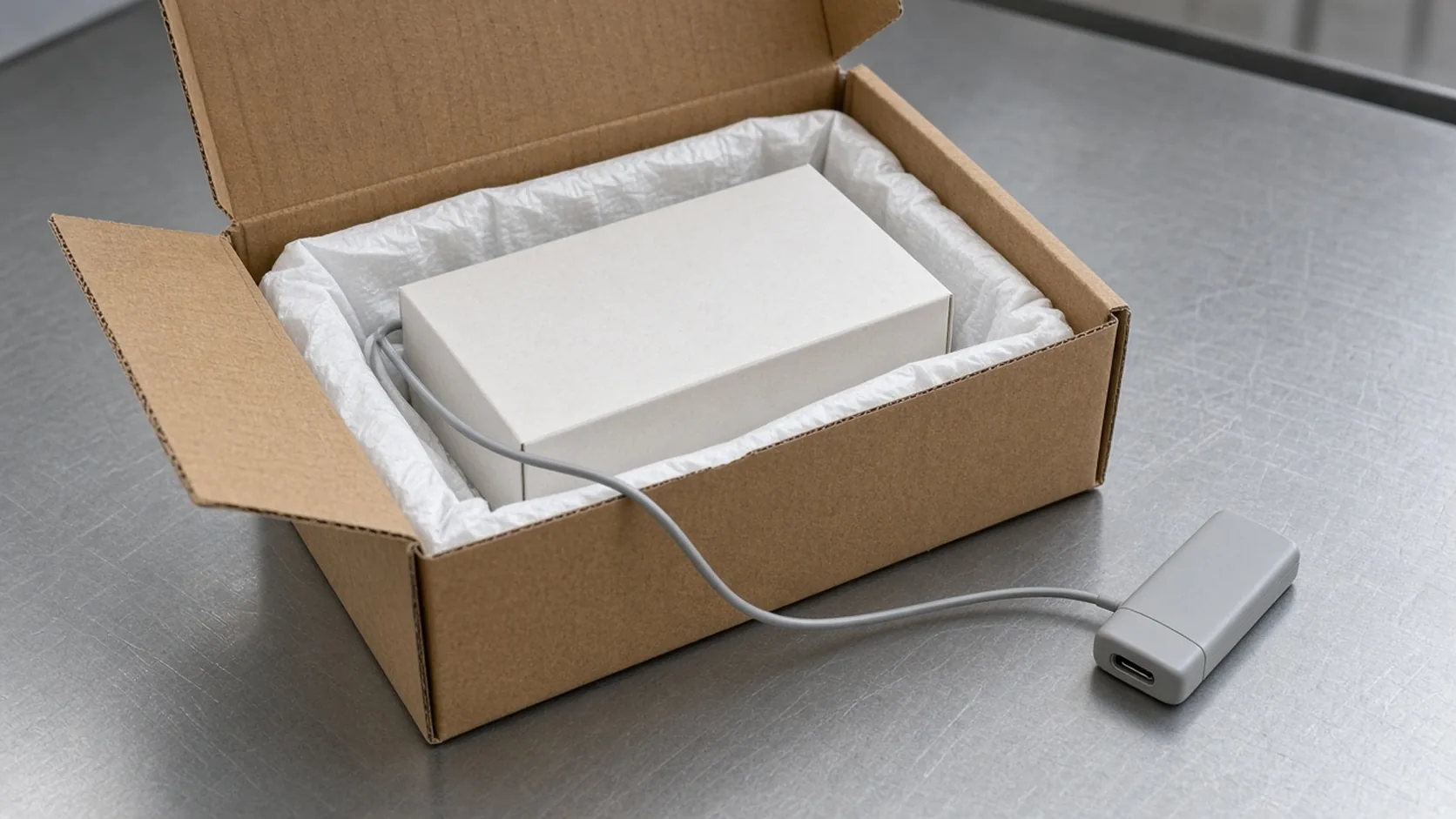
A data logger that starts after the case is sealed, or that measures the carton wall instead of the product, leaves the lane without a usable temperature record and can fail a release. Cold chain monitoring at the packout station is a placement and start-up sequence, not a sticker added after the lid tape.
For a Sensitech TempTale Ultra Probe, the instructions say to place the probe as close to the product as possible, confirm the probe and monitor serial numbers match, then hold START for 1–3 seconds. Recording begins only after the programmed start-up delay. On a dry-ice packout the same instruction adds one constraint: keep the monitor’s electronic housing away from the dry ice. This page uses that published monitor as the worked example. The shipment’s temperature limits still come from the product file, not from the logger sheet. The station sequence sits under packout automation and follows the packout checklist.
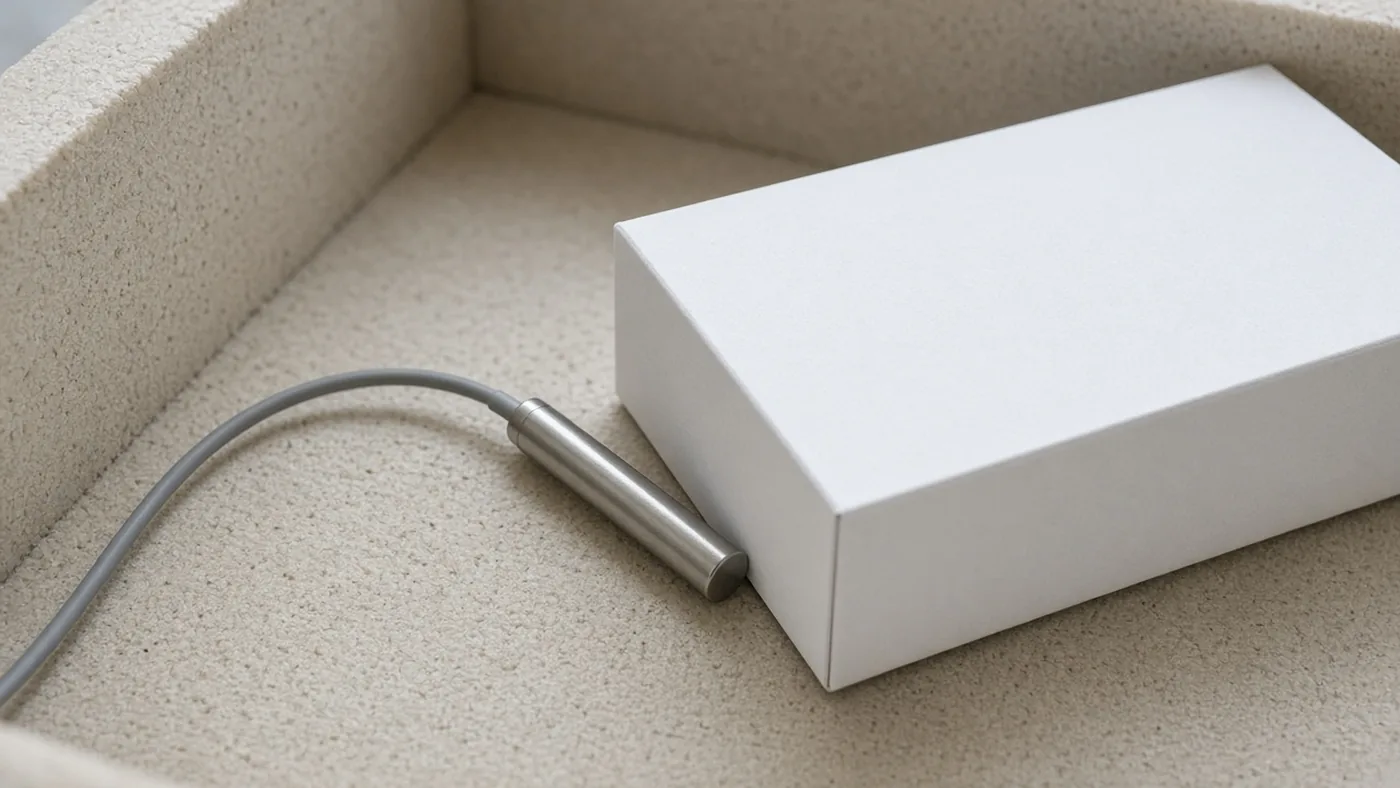
Quick specs for the TempTale Ultra Probe
The figures below are from the Sensitech specification sheet marked 05/20 and the two instructions for use retrieved on 20 October 2026. They describe that monitor. They are not a universal logger specification.
| Input or item | Published value | Why it matters at the bench |
|---|---|---|
| Probe measurement range | −30°C to +70°C | The probe, not the room, is the sensor |
| Accuracy | ±0.5°C from −10°C to +45°C; ±1.0°C from −30°C to −10°C and from +45°C to +70°C | The tolerance widens at the cold and hot ends |
| Memory | 16,000 data points, non-volatile 16K flash | Sets the longest trip at a chosen interval |
| Sampling interval | 30 seconds to 120 minutes | A long interval can skip a short spike |
| Start-up delay | 0 minutes to 24 hours | Samples before the delay are not in the file |
| Cable | 1.5 m long, typical outer diameter 3.5 mm | The housing can stay outside a shipper the cable can exit |
| Housing | IP64 with the probe connected; weight 90.7 g with the 1.5 m probe | The sheet states the rating with the probe connected |
| Dry-ice instruction | Housing stays out of the dry-ice environment | Rev. D, 9 April 2021 |
Where the probe goes, and where the housing must not go
The November 2020 Ultra Probe instructions (T83006678 Rev. C) put four actions in order: prepare the container to the SOP, match serial numbers (a green LED confirms the match), place the probe as close to the product as possible, then hold START for 1–3 seconds until the sunshine icon appears. The monitor records after the programmed delay, not at the instant the button is released.
The April 2021 dry-ice instructions (T83006669 Rev. D) repeat the probe placement and add the housing rule in the start steps and again at receipt: keep the electronic housing away from the dry ice. The probe may be next to the product inside that environment. The housing may not.
Rule of thumb: If the packout uses dry ice and the monitor housing would sit in that environment, move the housing outside and leave the probe next to the product. The specification sheet lists a 1.5 m cable for this probe. That is the published length available for the separation. It is not a measured gap inside a particular shipper.
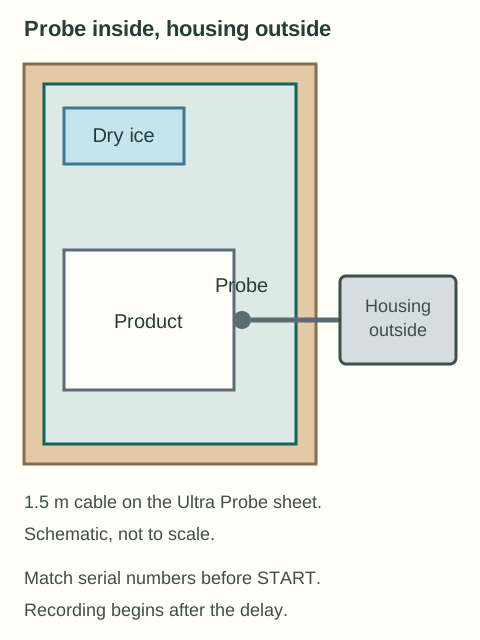
The same sheet says the probe can stay next to the product while the monitor stays outside, so a receiver can read the LCD without opening the carton. The November 2020 instructions add the handling step: disconnect the monitor from the probe, read it, and reconnect it without opening the package so the trip can continue. The specification sheet names customs agents, third-party logistics providers, distributors, and hospitals as the people who use that outside read. It still does not show whether the probe moved after the lid closed.
A station that tapes the lid before the four start actions has already lost the open-carton checks. The green LED and the probe position are confirmed while the carton is open. Case sealing belongs after that confirmation, in the same order as the packout checklist.
Worked example: interval, trip length, and the 16,000-point memory
Memory is a count of samples, not a count of hours. With a fixed interval:
N = T_hours × 60 / I_minutes
For a 72-hour trip, at a 10-minute interval:
N = 72 × 60 / 10 = 432 data points
432 is well under 16,000. Memory is not the constraint on that lane. The constraint is whether the probe was next to the product and whether the delay had already expired when the product entered the controlled environment.
At the shortest published interval, 30 seconds (0.5 minute):
T_max_hours = 16000 × 0.5 / 60 = 133.3 hours
A 30-second interval reaches 16,000 points at 133.3 hours. The specification sheet does not say whether a later sample overwrites an earlier one. The instructions do say an unstopped monitor keeps recording until the programmed trip length is reached. Set that trip length so the sample count stays at or under 16,000, or stop the monitor at receipt.
At the longest interval, 120 minutes, the same 72-hour window stores 72 × 60 / 120 = 36 points. A temperature spike shorter than 120 minutes can fall between samples and never appear.
Rule of thumb: If the shortest excursion the quality file must catch is shorter than the sampling interval, that excursion can fall between samples. If the planned hours exceed 16,000 × interval in minutes / 60, the published memory count is used up before receipt.
Where the record fails
| Check | Dominant failure mode | Prevention |
|---|---|---|
| Probe position | The file tracks insulation or the carton wall, not the product | Place the probe as close to the product as the instructions state, before the lid closes |
| Serial match | The probe and monitor are not the pair the green LED confirms | Match serial numbers and wait for the green LED before START |
| Start-up delay | The button was pressed, but the delay is still running while the product is already moving | Treat the sunshine icon as “started,” and the delay as “not yet recording” |
| Dry-ice housing | The electronics sit in the dry-ice environment the Rev. D note forbids | Keep the housing outside; leave the probe with the product |
| Interval vs memory | A 30-second interval fills 16,000 points at 133.3 hours, or a 120-minute interval misses a shorter spike | Compute N, and keep the programmed trip length inside that count |
| Early case seal | The sealer closes the carton before the LED and probe checks | Hold the closer until the open-carton checks are recorded |
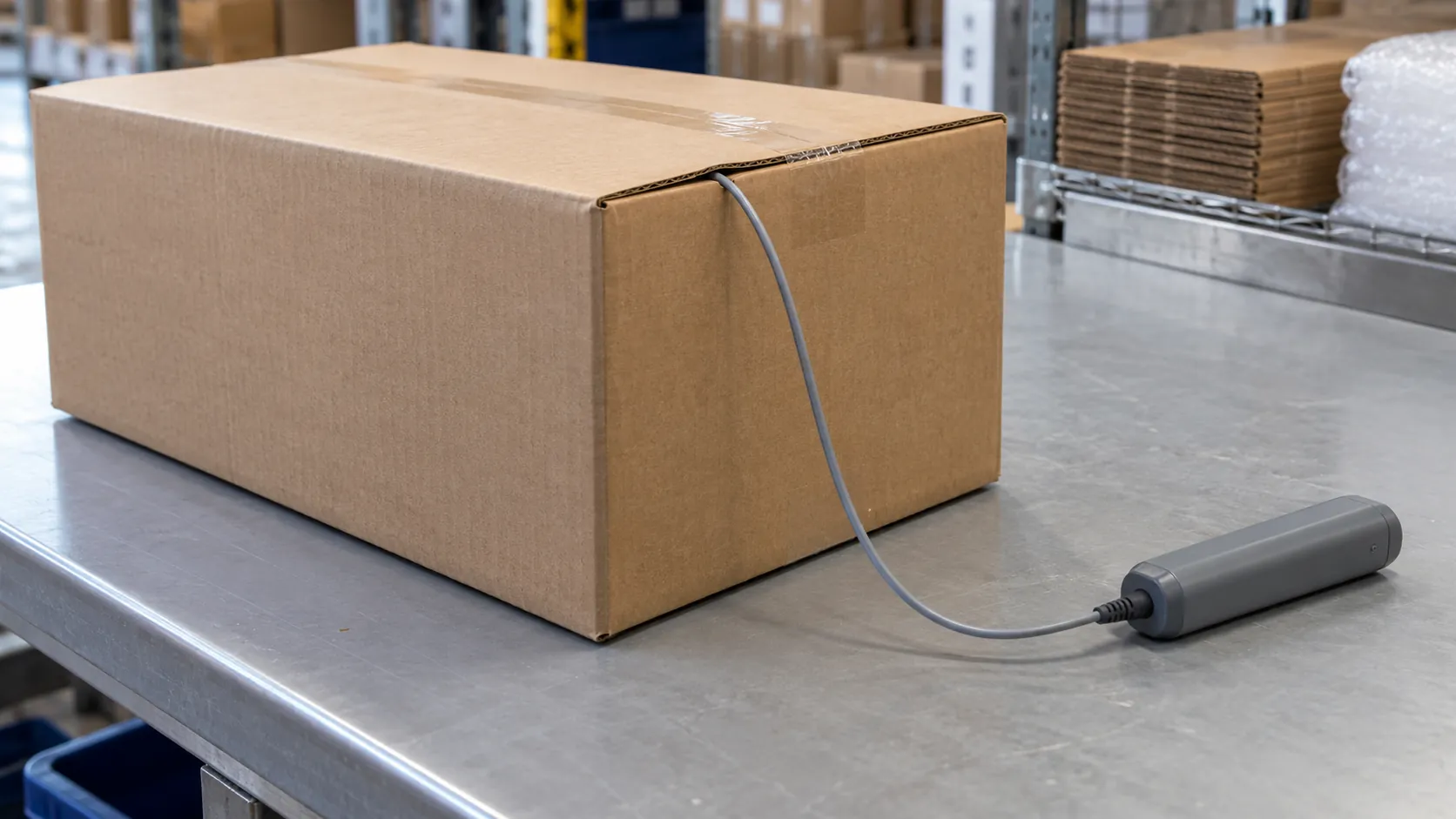
A failed file has a cost that shows up as a held shipment, not as a logger price. Opening a sealed pack to reseat a probe breaks the configuration the troubleshooting guide treats as a failure to investigate, and a returned shipper still has to pass the return inspection before it is packed again. The rework is the second packout, the lost coolant conditioning, and the lane that cannot be released on the first file.
When this does not apply
These steps are the published sequence for the TempTale Ultra Probe and the Ultra Dry Ice Probe, not for every logger on the bench. A monitor without a detachable probe cannot put the housing outside and the sensor inside. Accuracy, memory, and the 1.5 m cable are that sheet’s numbers; another model needs its own sheet. The specification sheet says response time was tested to USP <1118> and EN 12830. That sentence is not a statement that a particular packout meets either standard. Product temperature limits and the approved packout revision remain the shipment owner’s documents.
Takeaway: Match the serial numbers, put the probe next to the product, keep a dry-ice housing outside, start the monitor, and let the programmed delay expire before you treat the file as the trip record.